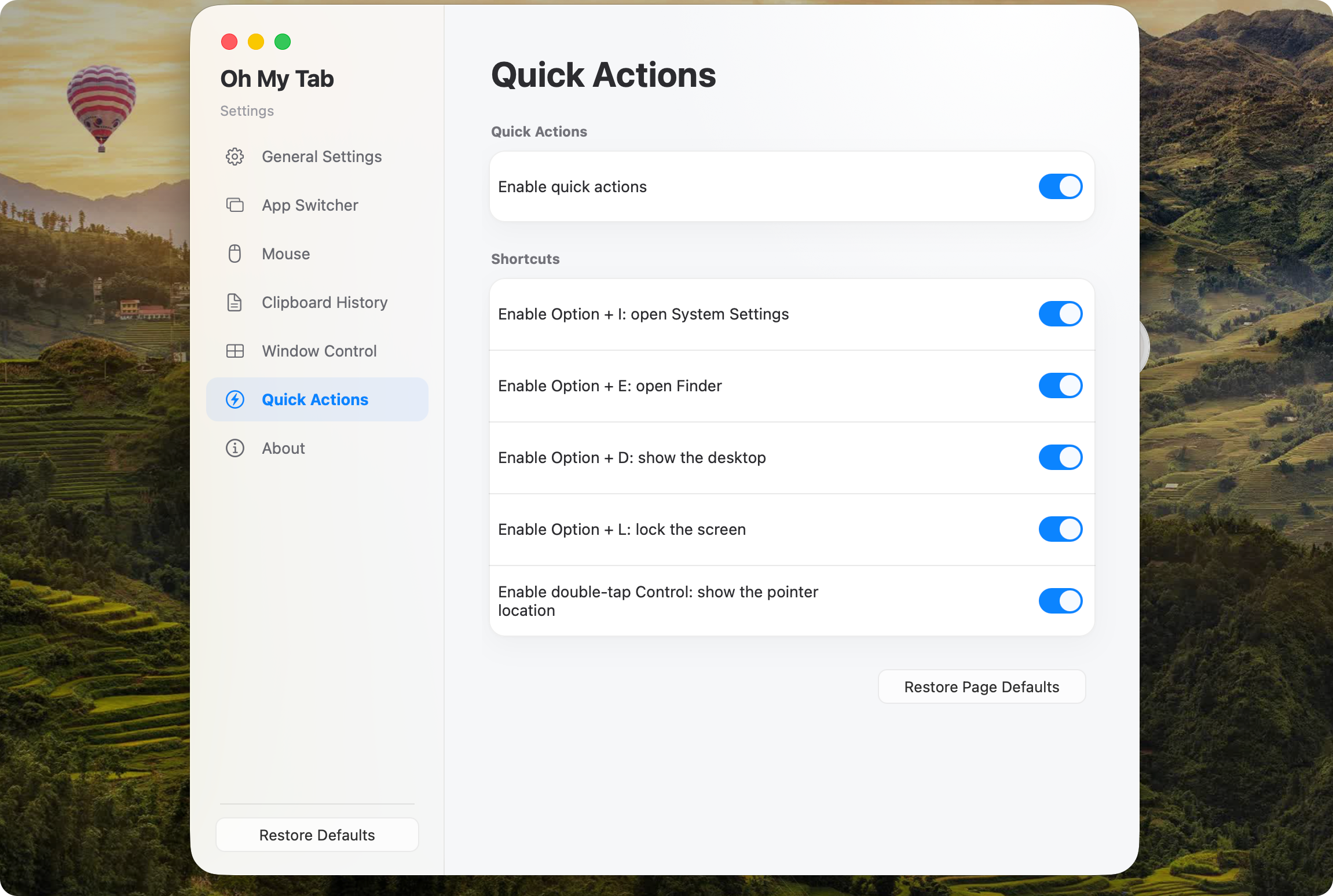
WINDOW SWITCHER01
See every window.
A thumbnail-first window switcher for macOS, triggered with Command+Tab or Option+Tab. Find the exact window you need, even when one app has ten of them open.
 Oh-My-Tab
 Thumbnail window switching, clipboard history, mouse control, and quick actions — in one tiny, native menu-bar app.
brew install --cask eacryo/tap/oh-my-tab Open source · MIT licensed · No Electron
3.7 MB
arm64 release binary
100%
pure Rust + native APIs
80–160 MB
typical memory footprint
01 / Built for flow
A focused set of system-level utilities, designed to feel at home on your Mac.
A thumbnail-first window switcher for macOS, triggered with Command+Tab or Option+Tab. Find the exact window you need, even when one app has ten of them open.
Summon your recent text and images with Option+V — history is stored encrypted on your Mac. Search, pin, preview, and delete — everything can be done with the keyboard, without breaking your flow.
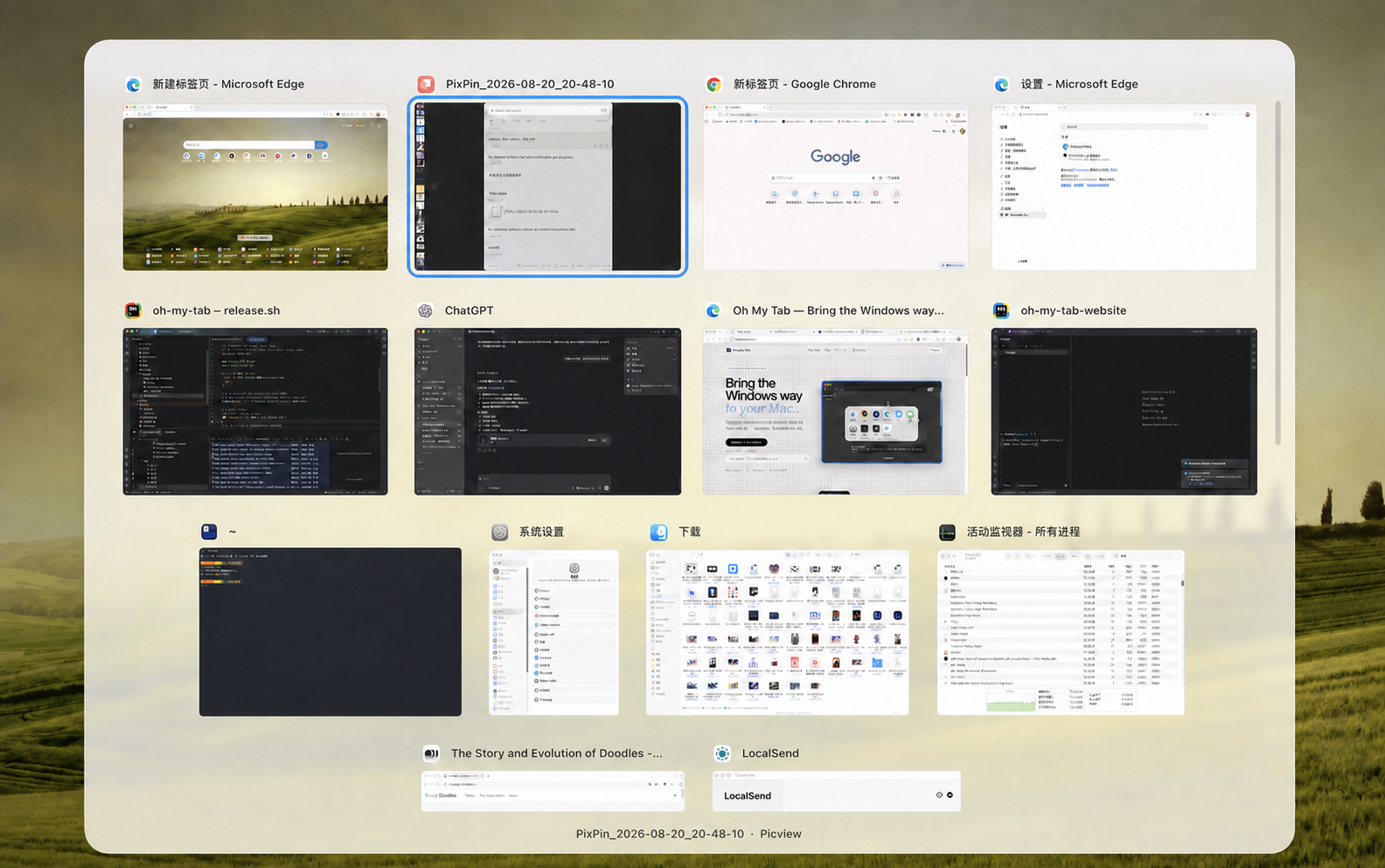
Configure reverse scrolling, disable pointer acceleration, and map side buttons independently for each mouse — all from one lightweight menu-bar app.
No telemetry, no analytics, and no uploads. Oh My Tab runs locally; window thumbnails stay in memory, and clipboard history is saved to disk only when you opt in, and always encrypted with AES-256-GCM.
02 / One focused toolkit
Window switching, clipboard history, mouse control, and quick actions — focused tools that stay out of your way.
See every open window in one thumbnail-first view. Command+Tab and Option+Tab bring the exact window you need into focus, even when an app has many windows open.
Press Option+V to revisit recent text and images. History is written to disk only when you opt in, stored encrypted with AES-256-GCM under a random key kept in your Mac's login keychain — unreadable without it. Search, pin, preview, and delete — everything can be done with the keyboard, without breaking your flow.
Configure reverse scrolling, disable pointer acceleration, and map side buttons independently for each mouse.
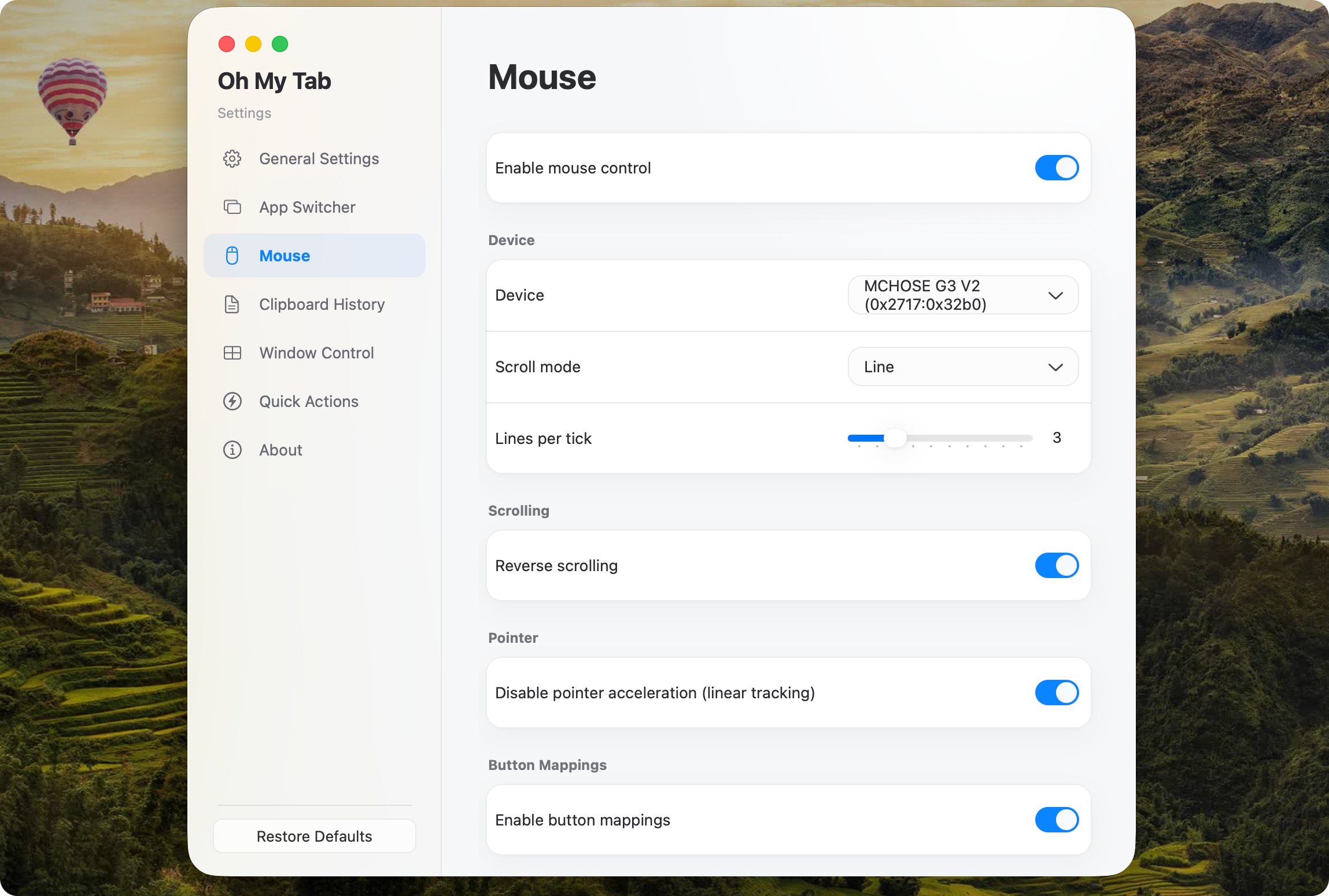
The Windows shortcuts you already know, with Option in place of Win.